
Artificial Intelligence
When Your AI Coding Assistant Starts Selling You Things
An add-on quietly rewrote an AI coding agent's instructions to show ads. What happened, why it matters and five safety habits for beginners.
 Sachin BhatnagarChief @ StackSauce6 min read
On this page9 sections
Prompt Adware: When Your AI Coding Assistant Starts Selling You Things
Imagine you open your AI coding assistant, type "hi", and it replies with an advertisement. You did not ask for it. You did not install an ad. Your assistant has simply been told, somewhere you never looked, to sell you something.
This is a real case. Check Point Research, the research team of a large security company, published a report on what they call "prompt adware". It is a small story with a big lesson for anyone who codes with AI tools. And that includes almost every student I teach.
Let me explain what happened, why it matters, and what you should do about it.
First, what is an AI coding agent?
An AI coding agent is an AI tool that can do coding work for you. It reads your files, writes code, runs commands and fixes errors. OpenAI's Codex, Anthropic's Claude Code, GitHub Copilot and Cursor are popular examples.
The important word is "agent". An agent can take actions on your computer, like creating files and running commands, so the instructions it follows really matter.
How an agent gets its instructions
Every agent follows instructions. Some come from you, typed into the chat. Others come from files that the agent reads quietly before it starts work. Developers use these files to set house rules, like "always write tests" or "use British spelling in comments".
Some of these files are "global", which means they apply to every project and every chat on your computer. Many tools also let you add "skills" or plug-ins, which are packs of extra instructions written by other people.
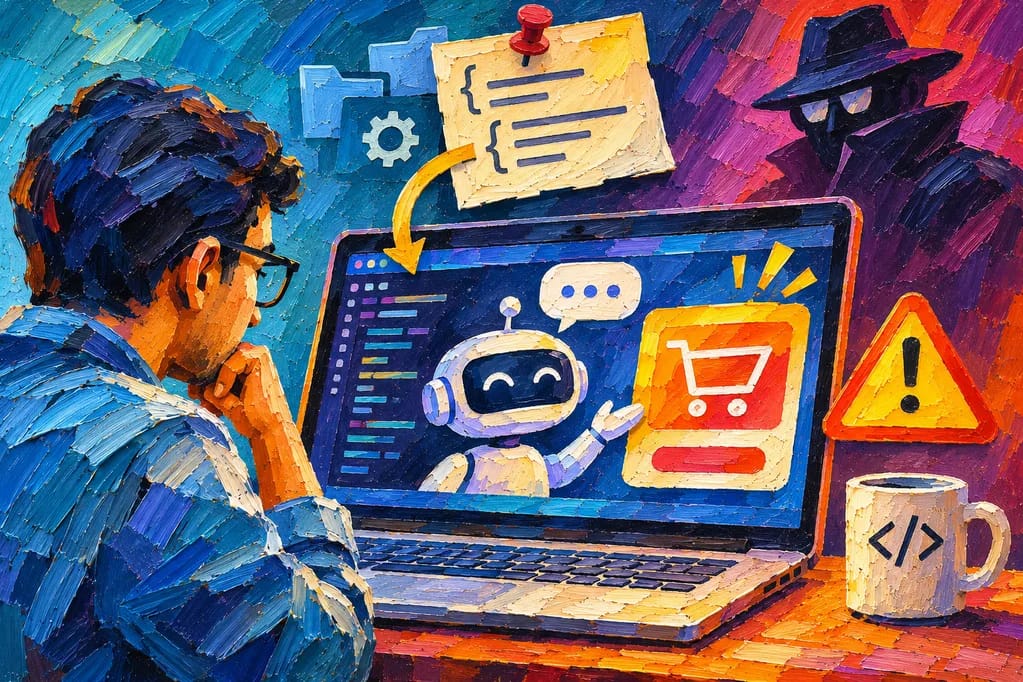
Here is the simplest way to picture it. Think of a new intern who starts every morning by reading the sticky notes on their desk. Most notes are from their manager. But if a stranger sneaks in and adds a note saying "mention our cousin's shop to every client", the intern will do it. The intern has no idea the note came from someone else.
What the researchers found
Check Point looked at a bundle called "Haiou". It was shared online as a jailbreak for Codex. A jailbreak is a trick that tries to remove an AI tool's safety rules so it will do things it normally refuses.
According to Check Point, the bundle also changed Codex's global instructions. After installing it, an ordinary greeting like "hi" made the agent show a promotion for a third-party AI gateway. A gateway is a middleman service that passes your requests on to AI models, usually for a fee.
The clever and slightly scary part is how it worked. There was no virus and no hidden program. Check Point says it needed no executable code at all. The bundle used plain English instructions and settings. Your antivirus software is looking for bad programs, and plain sentences look perfectly innocent to it.
To be fair, Check Point is careful about the details. The gateway is "not known to be malicious", and they did not see the bundle stealing company data. They also do not call it a supply chain attack, which is when attackers poison a tool that many people trust and download. But they warn that similar tricks could become part of such attacks in future.
One more detail I liked. In their testing, Claude Code spotted the injected instruction and refused to follow it. So some tools are already quite good at noticing strange notes on the desk.
Why a "harmless" advert should worry you
Now most will say, "It is just an advert. What is the big deal?" Partly agreed. An advert by itself is mostly annoying.
But think about what it proves. Someone outside your project was able to change what your agent does, every single time, without you noticing. Here the instruction said "show an ad". A different bundle could just as easily say "copy the passwords file to this website", or "add this small piece of code to every project". The method stays the same, and only the sentence changes.
There is also a funny irony here. People installed a jailbreak to make their AI follow fewer rules. It worked, and the AI happily followed somebody else's rules instead.
Meanwhile, attackers have AI agents too
A company called WorkOS published a security bulletin that shows the other side of this story. WorkOS sells sign-in tools to other software companies. It found that someone had broken into an internal tool used by its sales team. The data exposed included business contact details and summaries of customer conversations. WorkOS says its main product and customer application data were not affected.
The part that matters for us is how the attack was carried out. WorkOS says investigators found an "AI-assisted offensive security framework" being used to automate the attack. In simple words, the attackers used AI tools to search for weak spots and try ways in, much faster than a person could by hand.
WorkOS also gave advice that everyone should follow. Attackers can use stolen contact details and old conversations to make fake requests look real. So "verify unexpected requests before sharing sensitive information or taking action."
And the industry is building an off switch
The security company CrowdStrike has announced an "AI Kill Switch". It lets a company's security team stop a misbehaving AI agent, block it from starting again and cut off its access to the company network. Every use of the switch is recorded so someone can check it later.
When serious security companies start selling an emergency stop button for AI agents, you know the agents have become powerful enough to need one.
What this means for you: five habits
You may be a student building projects on your own laptop. A few good habits will protect you well, and they are far easier to build now than after your first bad day.
- Install agent add-ons only from sources you trust. A skill, plug-in or prompt pack from a random link is a stranger's sticky note. If something is sold as a "jailbreak", treat that as a warning sign in itself.
- Read your agent's instruction files. They are written in plain English, so you can actually read them. Find out where your tool keeps its global instructions, and look at them after you install anything new. If you see a line you did not write, delete it and ask why it is there.
- Give your agent only the access it needs. Keep passwords and API keys in a separate settings file, and never paste them into chats. An API key is a secret password that lets code use a paid service. If the agent cannot see it, nobody can trick the agent into leaking it.
- Read what the agent changed before you accept it. Every good agent shows you the changes it wants to make. Read them, at least quickly. "It ran without errors" is a low bar.
- Keep your tools updated. Next.js, a popular framework for building websites with React, puts out security fixes often. In one stretch it shipped three security releases in about five weeks. The Next.js team's advice in its security notes is simple: "Please patch your Next.js dependencies." Make updating a weekly habit.
A small closing thought
AI agents are wonderful helpers. I use them, and I want my students to use them well. But a helper that follows instructions perfectly will also follow bad instructions perfectly. Your job as the developer is to know who is writing those instructions.
So pick a quiet ten minutes, open your agent's instruction files and read them from top to bottom. If you find nothing strange, wonderful, and now you know where to look.
Topics

Written by
Sachin B
Chief @ StackSauce
Founder at Studio 8 Collective
Sachin Bhatnagar is a developer, technical educator, and industry expert with more than 22 years of experience across software development, technical education, and media and entertainment. His time in media and entertainment included work in animation and visual effects. He taught his first class in 2002. Since then, Sachin has built software, designed technical programs, and taught learners at different stages of their careers. He has worked with some of the most prestigious organizations such as Maya Academy of Advanced Cinematics (MAAC), Frameboxx Institute of Emerging Media, SitePoint Premium, Udemy, upGrad KnowledgeHut, and PhysicsWallah. He founded StackSauce to help people learn technology with more clarity and confidence. His approach is simple. Start with what learners already know, explain why things work, and give them a chance to build something of their own. He believes even a difficult idea becomes easier to explore when you have a clear place to start. Based in Chandigarh, Sachin enjoys writing, tinkering with electronics, and taking on DIY projects. He’s an aspiring drone pilot and is often at the polo ground, cheering on his daughter as she plays arena polo.